
AI Video Marketing Mistakes: Why Most AI Videos Look Terrible

AI video marketing mistakes

Table of Contents

Open any social feed and you will see the pattern. Brand videos arrive with similar lighting, similar camera movement, similar music and similar scenes. Individually they may look polished. Together they blur into one forgettable stream, and the brands behind them struggle to be remembered.

The explanation rarely lies in the technology itself. It lies in how marketers plan, direct, edit and publish AI generated content. A video that begins with a vague prompt and no clear audience, objective or story will tend to look vague, however advanced the software behind it is. Most cases of AI video marketing mistakes can be traced back to decisions made before a single scene is generated, or skipped after the footage arrives.

This guide walks through the most common problems and, more importantly, the practical steps that fix them. You will find advice on creative direction, message focus, believability, consistency, storytelling, brand accuracy, editing, objectives, customer insight, testing and a complete production workflow with suggested timings.

If you produce marketing videos, or commission them from others, the goal is simple. Treat AI as a production resource that works under your direction. Once you do, the quality of the results changes noticeably.

Why Many AI Generated Videos Feel Interchangeable

Brands that rely on similar visual styles, predictable scenes and familiar storytelling patterns end up with similar videos. This happens because the creative direction is thin. A prompt such as “a modern, energetic product video” describes a category of video, not a brand. Without more specific guidance, the result will resemble what everyone else asking for the same thing receives.
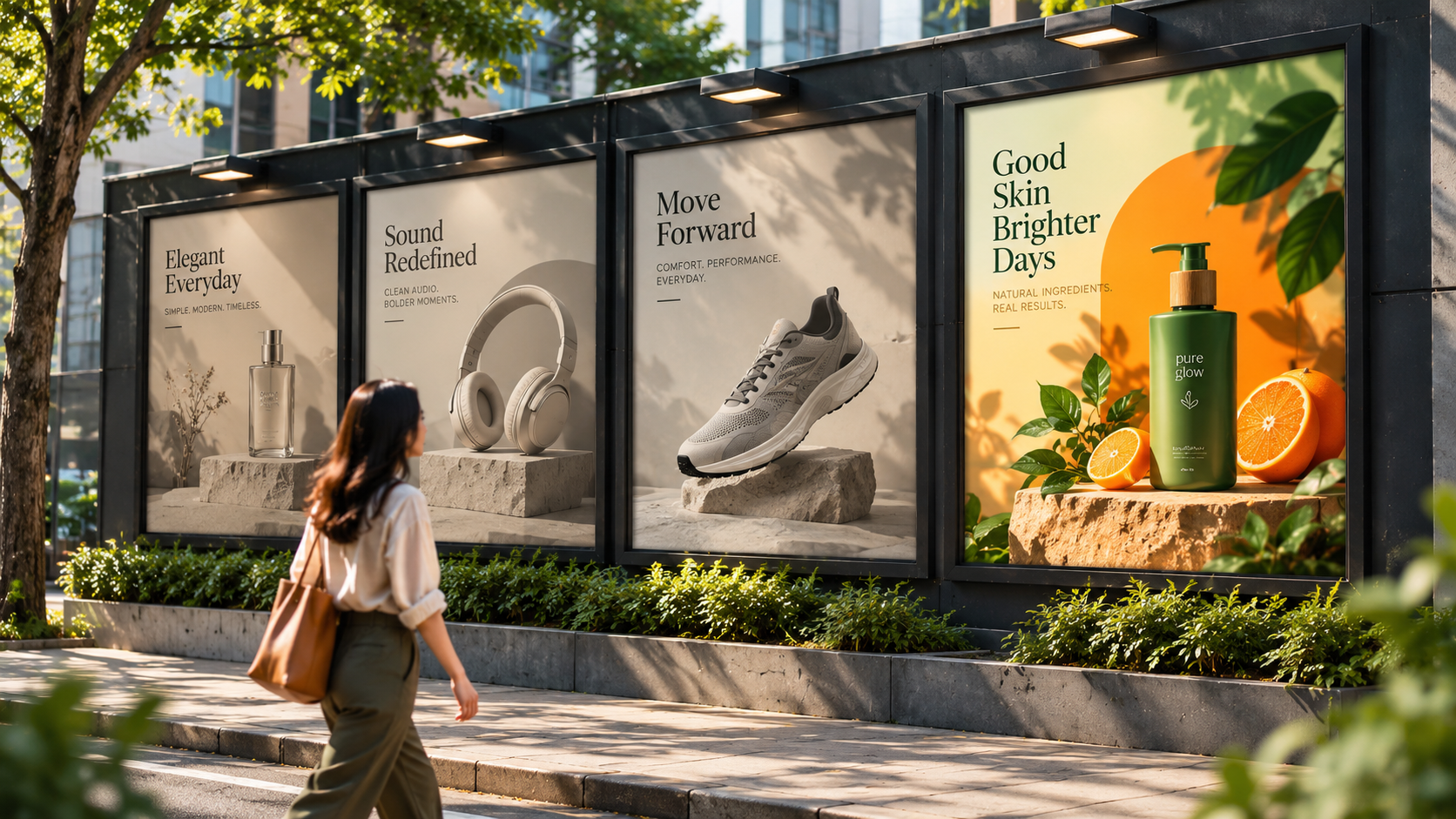
Distinctiveness is the marketer’s responsibility, and it comes from decisions made in advance. A strong creative direction usually covers the following:

  • Visual style: realistic, illustrated, minimal, warm, editorial or something else, chosen deliberately.
  • Colour palette: exact brand colours, with a defined role for each.
  • Lighting and camera approach: soft or dramatic, steady or dynamic, close or wide.
  • Tone and pace: calm and reassuring, brisk and confident, playful or serious.
  • Storytelling approach: problemled, resultled, testimonialstyle or demonstrationled.

Write these choices into a short creative brief and attach a reference board of images, colours and example scenes that show what you want. Share it with everyone involved in production, including anyone who writes prompts.

A useful test is to remove the logo and watch the first ten seconds. If a viewer could not guess whose video it is, the creative direction needs more work. The aim is a look and feel that belongs to your brand alone, and that only comes from specific, written decisions.

Common AI Video Marketing Mistakes Begin with the Message

Many videos are built around attractive visuals rather than the customer’s actual problem. The footage may be beautiful, but if the message does not reflect what the audience cares about, viewers have little reason to keep watching.

This is one of the most common AI video marketing mistakes, and it is a planning issue, not a technical one. When the first step is “what should this look like?” instead of “what does the viewer need to understand?”, the visuals end up leading the message.

Consider a hypothetical scheduling app. One version of the video opens on a sweeping city view and a general statement about transforming how teams work. Another opens on a calendar full of overlapping meetings, a frustrated manager and a missed handover, then shows the problem resolving. The second version speaks to a situation the viewer recognises. The first asks them to imagine one.
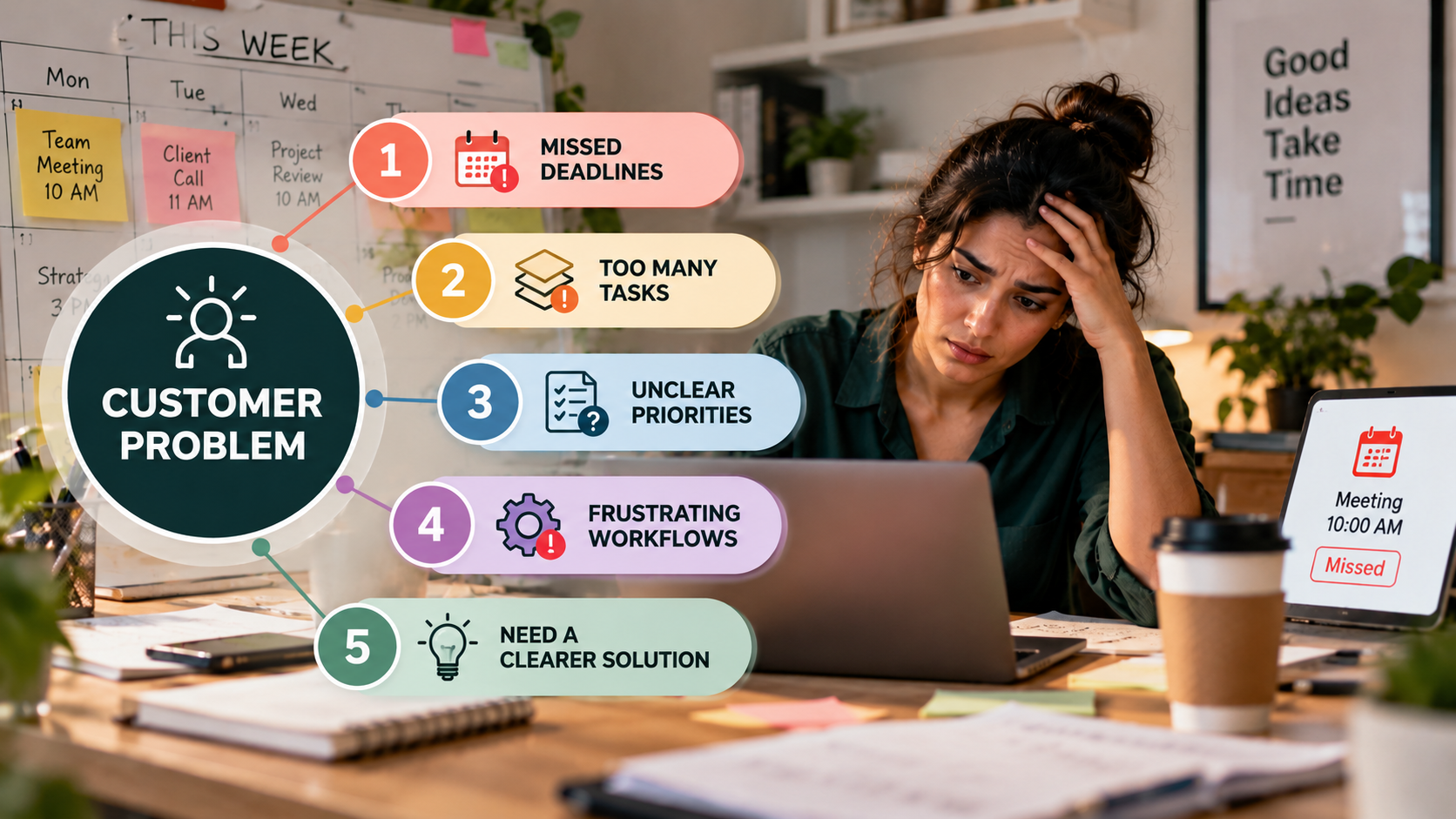
To keep the message ahead of the visuals:

  • Define the problem in the customer’s terms. Use the language your customers use, not internal product vocabulary.
  • Open with that problem. The first few seconds should signal relevance.
  • Show the change your product creates. Demonstrate the outcome, not just the interface.
  • Cut scenes that only decorate. Every scene should help the viewer understand something.

A quick review method: pause the video at several random points and ask what each moment communicates. If the honest answer is “nothing, it just looks good”, that scene is a candidate for removal or replacement.

Directing for Credibility: People, Expressions and Environments

Artificial expressions, unnatural movements and unrealistic environments can make a video feel unconvincing. This matters most when a brand needs to establish credibility or demonstrate a product. Viewers may not be able to say exactly what feels wrong, but they sense it, and trust tends to follow that sense.

Credibility is something you direct, not something you hope for. It starts with choosing the right kind of scene for the job. A short reaction shot asks very little of a human performance. A long, close, speaking to camera sequence asks a great deal. Matching the demands of a scene to what will look convincing is a basic directing decision.

Some practical guidelines:

  • Keep human closeups brief and purposeful. A few seconds of a believable reaction is more persuasive than a long, lingering shot that invites scrutiny.
  • Use real footage for moments that carry trust. Customer testimonials, founder messages and product demonstrations are strongest when they feature real people and real products.
  • Reserve generated scenes for support. Backgrounds, transitions, abstract visuals and concept illustrations work well when they back up the message instead of carrying it.
  • Consider stylised characters. Illustrated or animated figures set a different expectation, so viewers judge them as design rather than as photographs.
  • Review every environment. Look for details that do not hold together, such as objects that change shape or space that does not make sense, and reject those shots.

The editorial standard should be firm: not every generated clip earns a place in the final cut. Selecting only what looks convincing is part of the craft.

Keeping Characters, Colours and Products Consistent

Inconsistent characters, colours, packaging and product details weaken brand recognition. Recognition is built through repetition. When the same colours, products and faces appear in a stable form across scenes and across campaigns, people remember them. When those details shift, each scene begins to feel like a separate clip instead of part of one campaign.
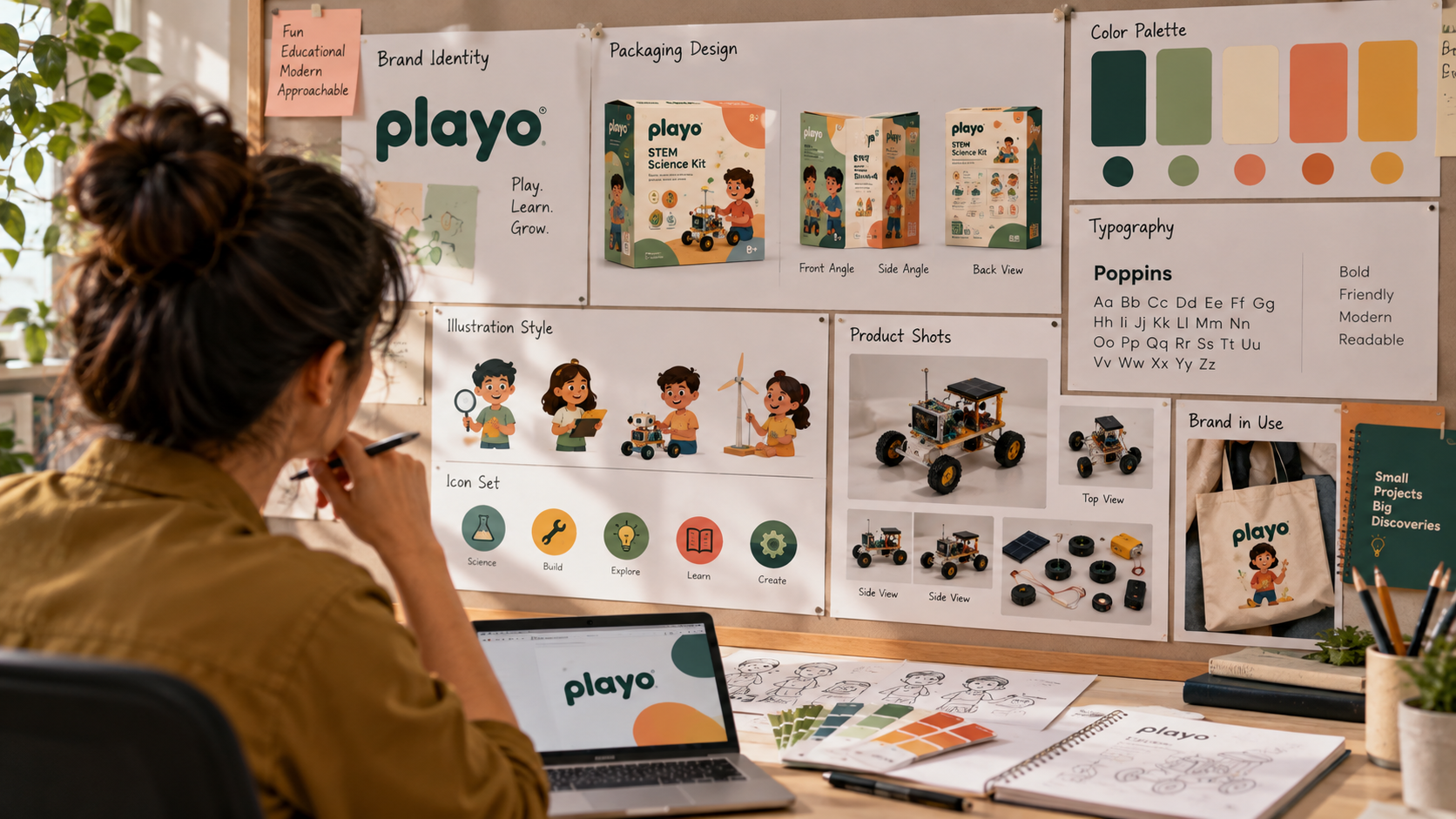
Consistency does not happen by accident. It is managed through preparation and review. These steps help:

  • Build a reference sheet. Collect approved images of characters, the product from several angles, packaging, and your brand colours with exact values.
  • Lock a visual style early. Decide on one treatment, one lighting setup and one grading approach before producing scenes.
  • Use real product assets. Photographs or accurate product renders can be placed into scenes so that the product always matches reality.
  • Generate in sequence with the same references. Using identical reference material for every scene reduces drift.
  • Review clips side by side. Place scenes next to each other and look for changes in clothing, hair, colour, proportions or product details.
  • Grade the whole timeline. A final colour pass across the finished edit helps unify scenes that differ slightly.

If one scene does not match, regenerate it, replace it or correct it in editing. Accepting small inconsistencies one scene at a time adds up to a video that feels unplanned. A short review checklist before signoff prevents that.

Building a Story with a Beginning, Middle and End

AI can produce individual scenes quickly, but producing scenes is different from creating a compelling story. A story requires someone to decide what comes first, how the situation develops and how it resolves. Without that structure, a video can feel like a sequence of pleasant clips with no meaningful beginning, progression or conclusion.
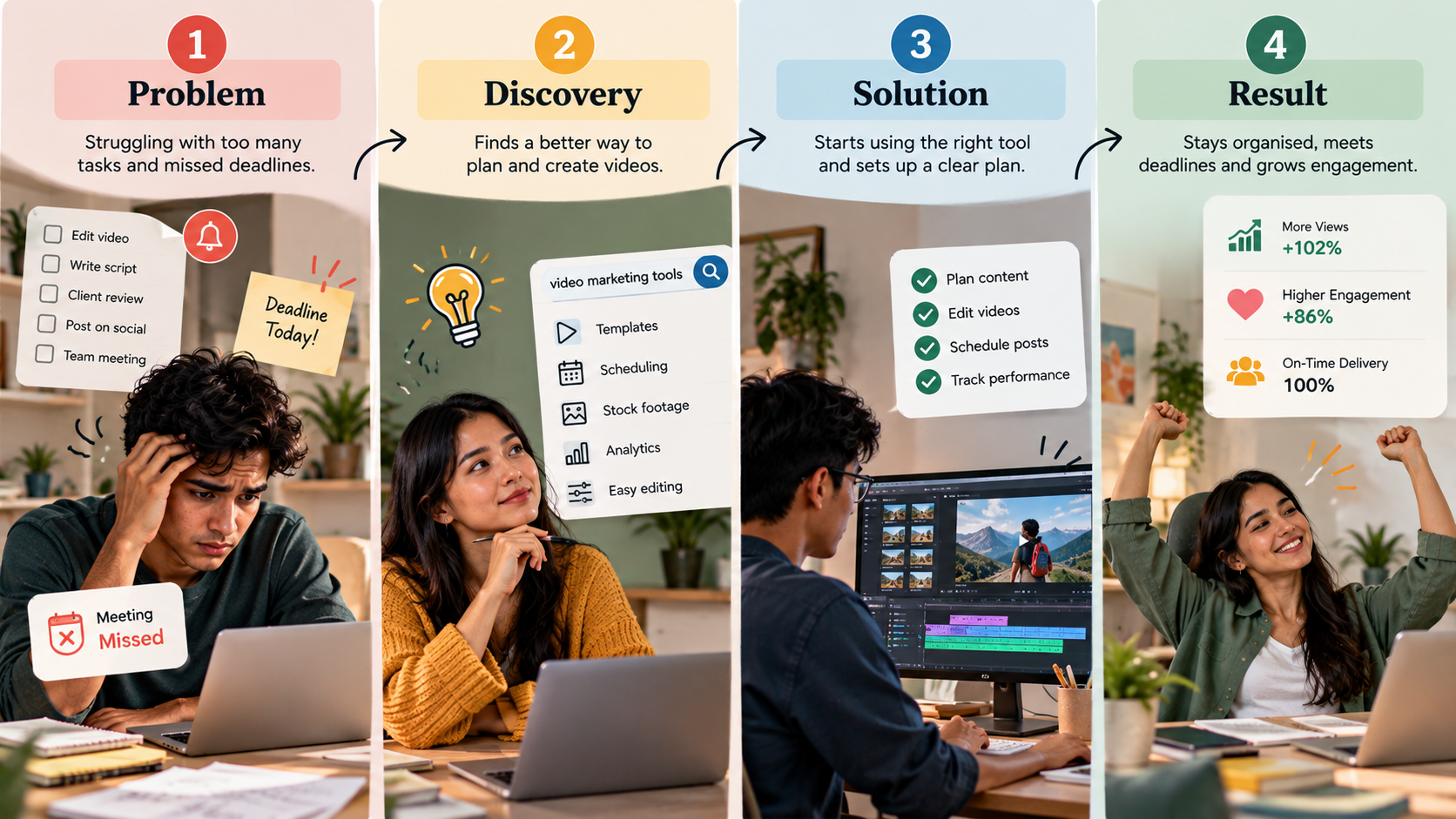
The fix is to write the story before generating anything. Four questions provide a reliable foundation:

  • Who is this video for? Name a specific audience, not a general market.
  • What problem do they face? Describe it concretely enough to picture.
  • What changes when they use your product or service? Show the difference clearly.
  • What should they do next? Choose a single action.


If you can answer these in four sentences, you have a narrative spine. From there, a script gives the story its words, and a storyboard gives it its sequence. Each generated scene then has a defined job: establish the problem, develop the situation, demonstrate the solution or prompt the next step.

This approach also supports longer formats. A SaaS explainer video, for example, typically works best when it opens on a relatable frustration, walks through how the product resolves it, and closes with a clear call to action. That structure comes from planning and scripting. It is the reason a viewer follows the video from start to finish.

A simple check: if you cannot summarise the video’s story in a single breath, viewers will struggle to follow it as well.

Protecting Brand Assets: Logos, OnScreen Text and Product Accuracy

Distorted logos, inaccurate product details and incorrectly rendered text make marketing materials look unprofessional. They also create risk, since viewers may question the accuracy of everything else in the video.

The reliable approach is to treat brand elements as assets you supply, not elements you ask for. Your logo, product images, screenshots, typefaces and legal wording already exist in approved form. Using those authentic files keeps everything accurate.
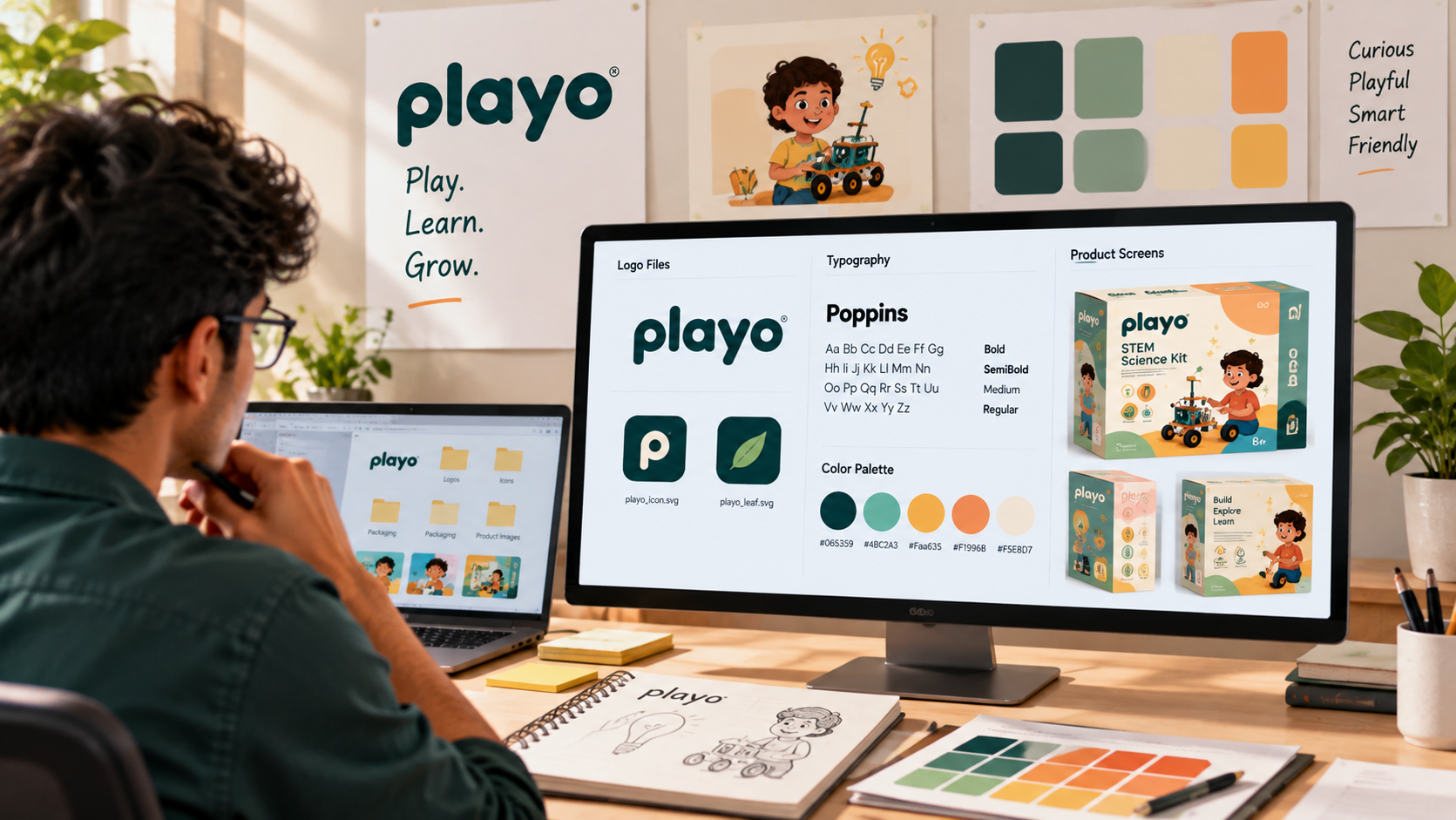
A sound process looks like this:

  • Keep essential text out of generated footage. Plan scenes so that important words, logos and numbers are not part of the generated image.
  • Add branding during editing. Place the official logo, product screenshots and captions as editable layers in your editing software.
  • Use brand fonts for all onscreen text. Type titles, captions and calls to action directly, so spelling and style are under your control.
  • Verify product details against the real product. Check buttons, ports, packaging, labels and interface elements.
  • Ask a product specialist to review. Someone who knows the product well will catch details others overlook.

A short final checklist is worth keeping beside every edit: Is the logo the approved version? Does each product shot match the real product? Has every word on screen been read and checked? Has anything been included that the product does not actually do? In regulated industries, add a compliance check as well. Accuracy protects credibility, and it costs very little to build in.

Editing for Coherence, Pace and Sound

Poor pacing, disconnected transitions, generic music and excessive effects can make even good footage feel artificial. This is one of the less obvious AI video marketing mistakes, because the fault is easy to attribute to the footage when it actually lies in how the footage was assembled.

Generated clips often arrive as separate short segments. Turning them into a coherent video is an editorial task. Editing should support the message and create a single, continuous viewing experience. Several habits help:

  • Edit to the script. Let the message determine where each cut falls, rather than the natural length of each clip.
  • Vary the pace deliberately. Faster cuts can introduce the problem, a slower moment can emphasise the key insight, and a short pause can precede the call to action.
  • Use transitions and effects sparingly. Reserve them for moments that benefit from emphasis. Constant effects reduce the impact of every one of them.
  • Choose music with purpose. Select a track that matches the brand’s tone and the emotional shape of the story, and mix it so the voiceover stays clear.
  • Add sound design. Subtle ambient sound and welltimed effects make scenes feel connected and grounded.
  • Check the video both muted and with sound. Many people watch without audio, so captions and visuals must carry the message on their own.


Good editing tends to go unnoticed, because nothing distracts from the content. If viewers notice the edit before they notice the message, the pacing, transitions or effects probably need to be simplified.

Setting a Clear Objective for Every Video

A visually impressive video may still fail commercially if it lacks a clear objective. Every video should be designed for a specific audience and purpose. Without that, there is no standard against which to judge whether the video succeeded.

Different objectives call for different approaches:

  • Building awareness: short, memorable and easy to share, with a distinctive idea and light branding.
  • Generating enquiries: focused on a specific problem, with proof of credibility and a clear invitation to get in touch.
  • Increasing sales: attentive to common objections, specific about benefits, and closed with a direct call to action.
  • Supporting onboarding or education: step by step, clear and practical, with each section easy to find again.

The audience matters just as much as the objective. A video for senior finance decisionmakers should be organised, precise and evidenceled. A video for firsttime consumers might be warmer, shorter and more visual. Define one primary audience and one primary action for each video, and resist the temptation to ask a single video to do everything.

Write the objective down at the start, in one sentence, and refer back to it during scripting, editing and review. Anything that does not serve that sentence can be shortened or removed.

Adding Customer Insight and a Recognisable Brand Voice

AI generated content can feel impersonal when it lacks genuine customer insights, relevant examples or a recognisable brand voice. These elements come from people, not from production software. They are what make a message feel written for the viewer instead of for no one in particular.

Customer insight lives in places your team already has access to: support conversations, sales calls, survey responses, reviews and interviews. These sources reveal the exact words customers use, the questions they ask repeatedly and the doubts that slow their decisions. Bringing that material into a script gives the video relevance that generic copy cannot match.

Practical ways to build it in:

  • Collect real phrases. Note the exact wording customers use to describe problems and outcomes.
  • Use relevant examples. Choose scenarios that resemble your audience’s actual situations.
  • Include credible evidence. Specific results and customer outcomes, used with permission, support your claims.
  • Document your brand voice. A onepage guide describing how you sound, which words you favour and which you avoid keeps scripts consistent.
  • Read the script aloud. If it sounds like a brochure, rewrite it until it sounds like a person speaking.


Human research and creative judgment make the message relatable. The production process can then carry that message efficiently, but it cannot supply the understanding of your customers that makes the message worth watching.

Testing and Measuring Instead of Simply Producing More

Producing more videos does not automatically improve marketing results. It is easy to confuse output with progress, particularly when production becomes faster. Brands that publish many similar videos without examining performance gain volume but little insight.

A more productive approach treats each video as a test. Create a small number of deliberately different versions and compare them. You might vary:

  • The hook: a problemled opening against a resultled opening.
  • The message: one primary benefit against another.
  • The format: shorter against longer, or illustrated against live action.
  • The call to action: a direct request against a softer invitation.

Then evaluate performance with measures that connect to your objective:

  • Retention: where viewers stop watching, which points to weaknesses in story or pacing.
  • Clickthrough rate: whether the message motivates people to take the next step.
  • Conversions: whether viewers become enquiries, signups or customers.
  • Cost per result: whether the video earns its place in the budget.


View counts alone rarely show whether a video did its job. A version with fewer views and a stronger conversion rate may be the better performer. Carry what you learn into the next production, and this is how you stop repeating the same AI video marketing mistakes: by letting measured results, not assumptions, guide each new decision.

How to Avoid AI Video Marketing Mistakes with a Better Workflow

Fixing individual problems is helpful, but a repeatable workflow prevents them from arising in the first place. A sound process starts with audience research and a clear marketing objective, followed by scripting, storyboarding, controlled generation, careful editing and performance testing. The timings below are planning estimates for a video of roughly 60 to 90 seconds produced by a small team. Adjust them to your own scope and approval process.
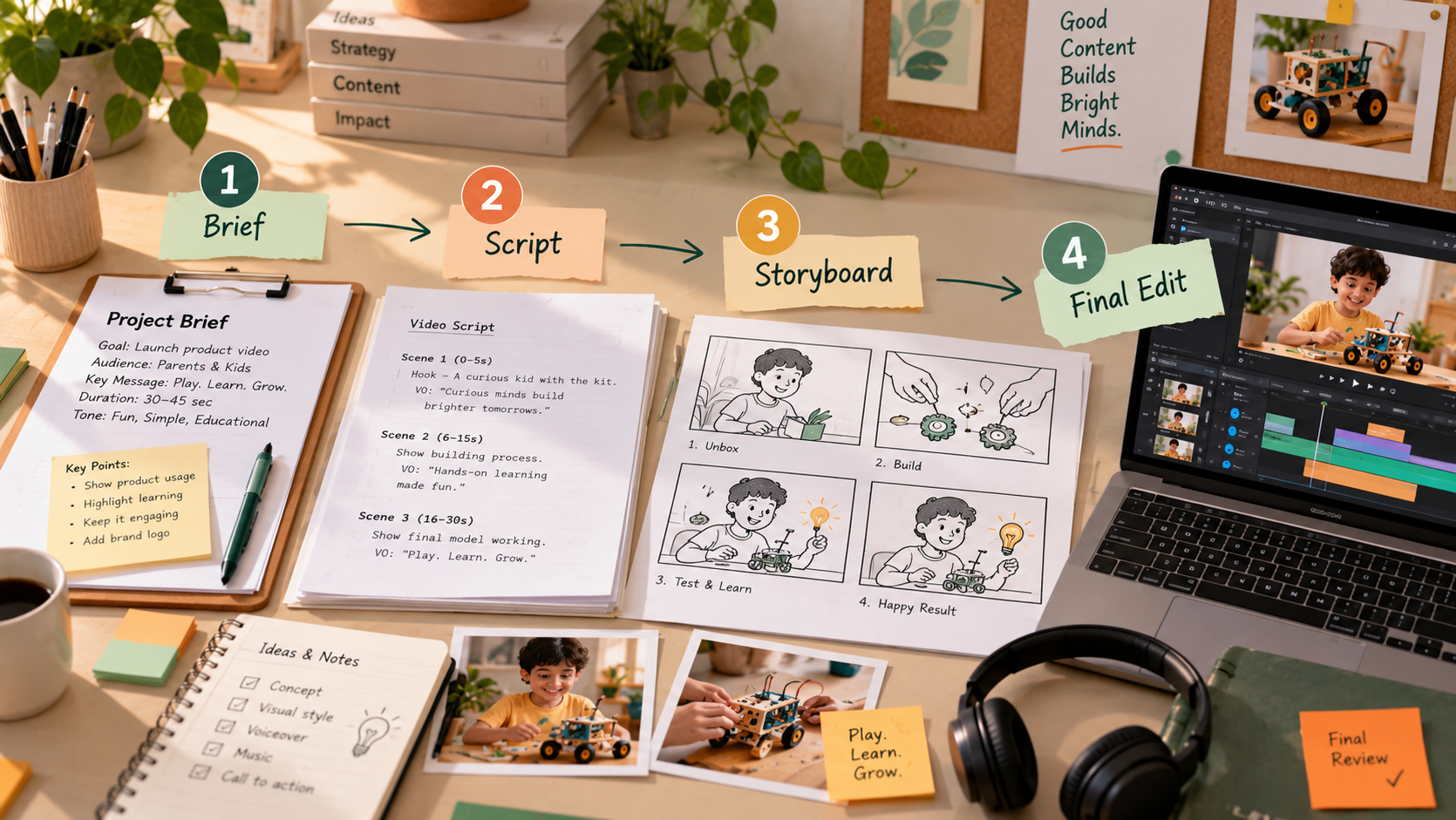
  • Research and objective (2 to 3 days). Identify one audience, one goal and one desired action. Gather customer language from conversations and reviews. Move on when you can state all three in a single sentence.
  • Script (1 to 2 days). Write the narrative using your customers’ own terms and your brand voice. Read it aloud and refine anything that sounds stiff.
  • Storyboard (1 to 2 days). Sketch every scene with its purpose and approximate duration. Remove any scene that does not advance the story.
  • Asset preparation (1 day). Gather approved logos, product images, colours, fonts and character references. Decide which elements will be real footage and which will be generated.
  • Controlled generation (2 to 4 days). Produce scenes one at a time using your references and a fixed visual style. Create several options for each shot and select the strongest.
  • Editing and finishing (2 to 3 days). Assemble the cut to the script, add authentic branding and text, grade the colour, and select music and sound with intention.
  • Review (1 day). Have someone outside the project and a product specialist watch the video cold. Check every logo, word and product detail.
  • Testing (1 to 2 weeks after launch). Publish a few variations, track retention, clickthrough and conversions, and apply the findings to the next video.


In total, that is roughly two to three weeks from first brief to launch, followed by a period of testing. Notice where the decisions sit. Research, storytelling, brand accuracy and review all remain with people, and generation is one stage within a larger plan.

Some brands prefer to bring in specialist support for higher stakes projects. A custom explainer video from an experienced production team, for example, can combine strategy, scripting, design and editing in one coordinated process, while using AI generated material where it suits the brief.

Plan First, Then Generate

The aim is not simply to make AIgenerated footage look realistic. It is to create marketing videos that capture attention, communicate value, establish credibility and motivate the right audience to take action. Realism alone does not achieve any of those things. Clear thinking does.

Most AI video marketing mistakes come down to missing decisions: an undefined creative direction, a message that ignores the customer’s problem, no story structure, unchecked brand details, hurried editing, no objective and no testing. Each of these is within a marketer’s control, and each can be addressed with preparation and review.

Before your next video, answer a few questions in writing. Who is it for? What problem does it address? What should the viewer do afterwards? What will make it recognisably yours? How will you judge whether it worked? With those answers in place, AI becomes a capable production resource working toward a defined goal, and the results will reflect that.

Unlock the power of captivating visuals with our seasoned expertise! With 7 years of crafting compelling visual content, we’re ready to elevate your brand’s story. From stunning graphics to mesmerizing animations, we bring your vision to life. Let’s create engaging visuals that resonate with your audience and leave a lasting impression. Partner with us today for an unforgettable visual journey! 

Check out our work.Â